Recognising your Peers

It’s not just your supervisors who can recognise you for a job well done, you can recognise your peers too.
See them doing some awesome on or off the hill? Give them an On The Spot (OTS) recognition! Each OTS gets automatically forwarded to the person’s supervisor/manager so they can see what a great job they did.
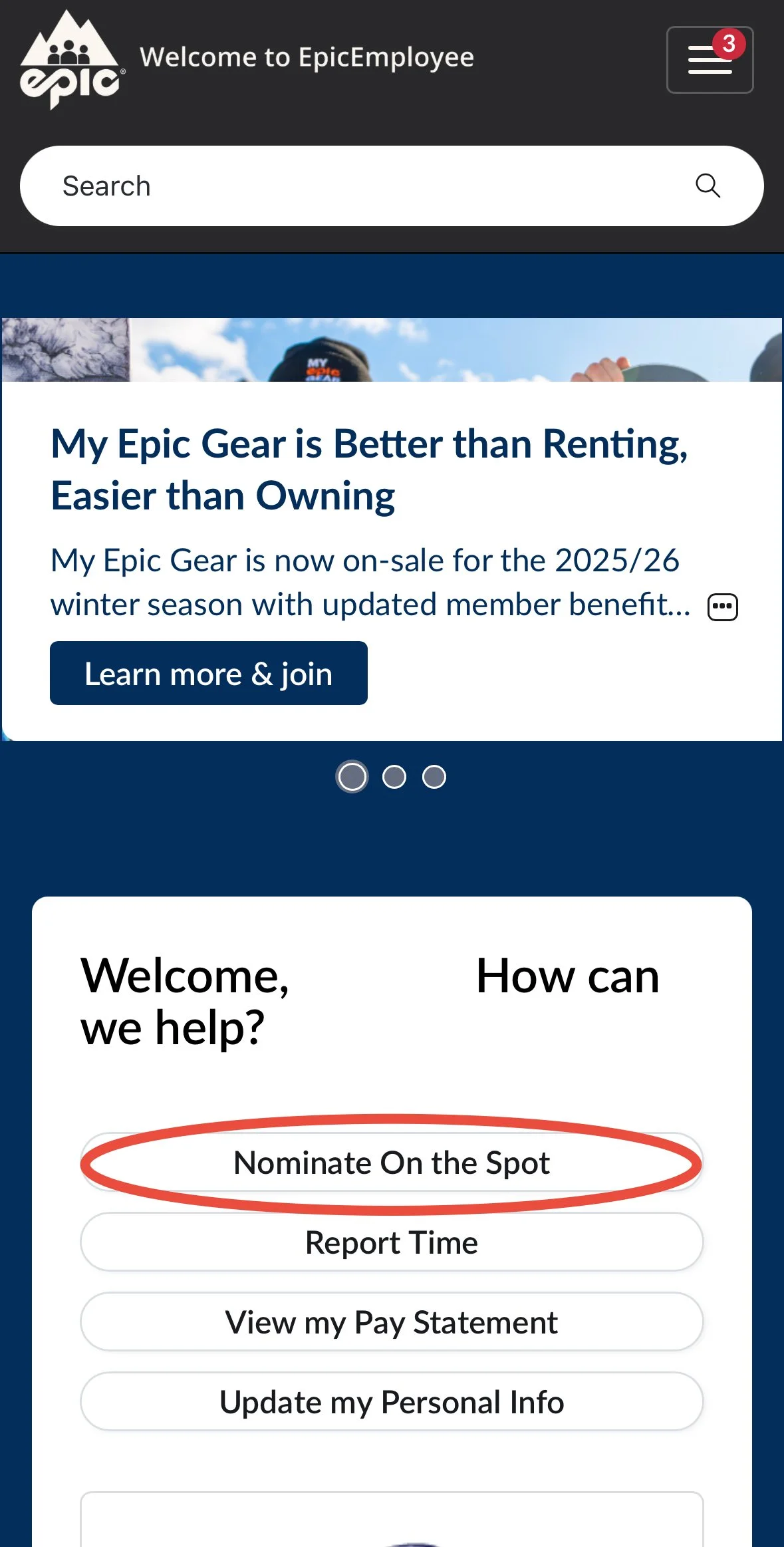
Log into Epic Employee
Select “Nominate On the Spot” from the home screen
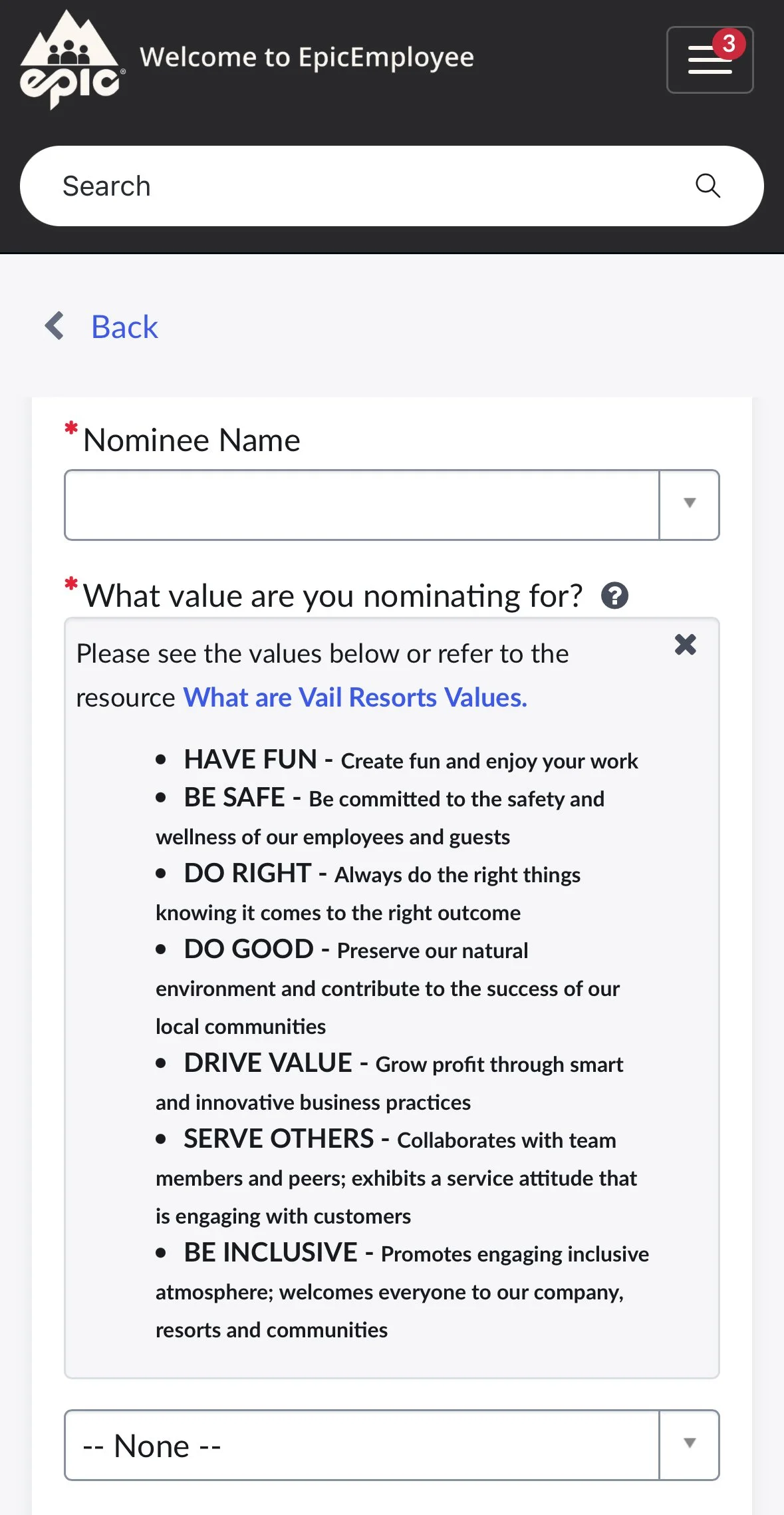
You are required to provide the employees full name or employee ID (ask your supervisor to help you identify them if you’re not sure!)
You will also have to select which of Vail’s core values you are nominating them for
Finally, explain why you are nominating them.
Hit submit and feel good about yourself :)
Here’s how: